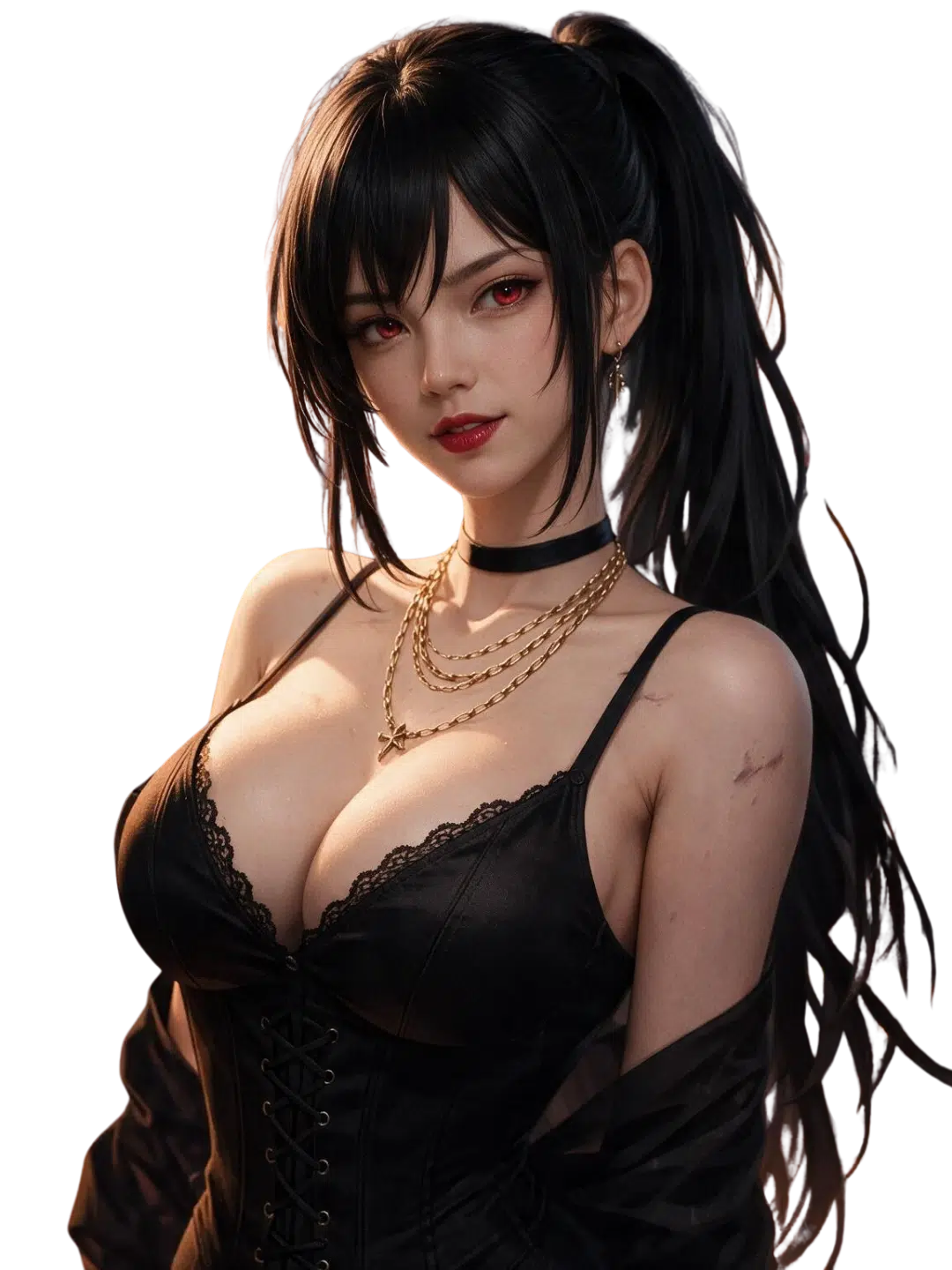
Pick an existing AI character or make a custom bot with its own voice, history, visual style, and relationship to you. Our AI companion platform supports casual talk, anime plots, romance, fantasy roleplay, and NSFW AI chat within current rules. You can begin with free AI access, test DittinLLM, add memory details, and use image tools when a scene needs a visual. You decide how the character speaks and where the story goes.
Choose your perfect AI Companion


Dittin AI Opens a Character Workshop, Not a Blank Box
Dittin AI is built around characters rather than general assistant tasks. Our AI chatbots can engage in conversations with a defined personality, tone, scenario, and opening message. This makes it easier to start a clear scene without explaining the full setup in every new chat.
Character Creation Starts With One Strong Idea
Character creation works best when the bot has a simple center. Decide who the character is, what they want, and how they know you. Then add details that support that idea instead of listing random traits.
Dittin AI enables users to create public or private bots through a dedicated creation area. The current interface includes separate tools for chatbots, collections, images, and video, while the documentation describes characters with different personalities, characteristics, tones, and styles.
Use this order for a clear profile:
- Set the adult character’s role and relationship.
- Add four to six matching personality traits.
- Write the current scenario and one active goal.
- Choose the reply style, pace, and level of detail.
- Add background facts that should matter later.
This structure helps you personalize an AI girlfriend, fantasy guide, rival, friend, or virtual companion without writing a full novel before the first message.
Customization Controls More Than Appearance
Customization includes speech style, habits, motivations, limits, and story context. A custom AI character can be warm but stubborn, playful but private, or calm until a specific subject appears.
Dittin AI allows users to shape custom AI characters around personal preferences. That makes Dittin AI useful for users who want personalized AI characters rather than a fixed chatbot with a new avatar.
| Character Layer | What You Set | What It Changes |
| Identity | Name, age, role, and relationship | The character’s position in the story |
| Personality | Traits, habits, values, and fears | Tone and emotional reactions |
| Scenario | Location, recent event, and goal | The direction of roleplay |
| Dialogue style | Short chat, long narration, or mixed replies | The pace of the chat experience |
| Memory details | Background facts and trigger words | What can return when relevant |
| Visual concept | Anime, realistic, fantasy, or another style | Avatar and AI image direction |
DittinLLM Powers Two Different Chat Paths
The model choice affects speed, response quality, queues, and costs. DittinLLM is maintained by Dittin AI and receives the message before it generates the character’s reply.
DittinLLM Free for a First Test
DittinLLM Free is the experimental model for free users. Official documentation says it may change often and can require a queue during busy periods. It is useful for testing a character, but results may be less consistent than the maintained Fast model.
This free AI option gives you a way to use Dittin before paying. Start with several messages, check whether the personality holds, and edit the profile when the response feels too broad.
DittinLLM Fast for More Stable Replies
DittinLLM Fast is the long-term maintained model with more tuning and dedicated processing capacity. The documentation presents it as the higher-quality option for fast, lifelike responses. Premium users can also raise the maximum reply length from the default 120 tokens to 400 tokens.
Dittin AI is an advanced character system, but no model is perfect. Clear instructions still improve the user experience, especially in long scenes.
Chat Becomes a Scenario Engine
The profile creates the cast. The conversation creates movement. Our AI chat platform lets you direct a scene through normal language rather than special code.
Give the AI Chatbot One Clear Next Step
A useful message tells the AI character what changed and what should happen next. Compare a broad greeting with a scene-based opening:
How are you?
You found the spare key under the flowerpot, but I never told you it was there. What do you say when I open the door?
The second version gives the chatbot a place, a surprise, and a reason to react. Users can engage in interactive scenes more easily when each message contains a choice or a new fact.
Try these practical instructions:
- “Keep the reply under three paragraphs.”
- “Use more dialogue and less description.”
- “Stay inside the train station.”
- “Do not decide what my character says.”
- “Remember the promise from the earlier scene.”
These small changes help users engage in interactive AI conversations without rebuilding the bot.
Memory Chips Keep Extra Details Ready
Dittin AI’s Memory Chips store less-used background details outside the main prompt. Each chip has a name, content, and up to five trigger keywords. When a keyword appears, the chip enters the active system prompt for that chat session, then leaves the context afterward.
This system is useful for side characters, old events, secret locations, or facts that matter only in certain scenes. It makes Dittin AI more practical for long roleplay because the main profile does not need to carry every detail all the time.
SFW and NSFW Conversations Have Boundaries
Dittin AI offers SFW and NSFW conversations, but “open” does not mean rule-free. Current Community Guidelines prohibit underage characters, privacy violations, real-person image uploads, discriminatory topics, and other listed material. Both the user and AI character must be set as adults.
Restrictions on NSFW content are lighter than on many mainstream AI platforms, yet adult chat must still follow the rules and local law. An NSFW AI chatbot should use fictional adults and consent-based scenarios.
Dittin AI Adds an Image Stage to the Conversation
Text can carry a full story, but an image can show a character, outfit, or location. The creation menu and documentation both include AI image generation, a gallery, prompt guidance, and video tools.
Use the AI Image Generator With One Clear Frame
A focused prompt should describe one subject, one location, one mood, and one camera position. For example:
Adult anime detective in a dark green coat, empty subway platform, alert expression, waist-up portrait.
This gives the AI image generator a simple frame. A prompt with several people, locations, and actions may create less stable output.
Dittin AI also supports a public gallery and creator tools. The image generation side makes Dittin AI more than an AI chat service because creators can connect a visual identity to conversations with AI characters.
Keep the Character Consistent
Repeat the stable appearance details when you generate another AI image. Keep hair, face, body type, clothing style, and art direction consistent. Change temporary elements such as weather or location inside the active prompt.
An image can support an immersive scene, but it remains AI-generated. Do not upload a real person’s photo or use private likenesses without permission.
Dittin AI Costs: Free Model, Credits, and Premium
Dittin AI takes a mixed-access approach. You can use DittinLLM Free, collect credits through account tasks, or use Premium for the maintained Fast model and added controls.
How Credits Work
Each DittinLLM Fast chatbot interaction consumes one credit for a free user. Credits can be earned through the Free Credits area. The indexed page currently lists 20 credits for a daily check-in, 50 for joining Discord, 20 per invited user, 20 for using an invite code, and 50 for a qualifying public chat.
| Access Route | What It Provides | Main Trade-Off |
| DittinLLM Free | Basic free chat access | Queues and less consistent output |
| Earned credits | Limited use of DittinLLM Fast | Requires tasks and one credit per interaction |
| Premium | Fast model and longer response control | Paid access; current price must be checked live |
| Public creator tools | Character, collection, gallery, and sharing options | Public content must follow moderation rules |
The live pricing page was not reliably accessible during verification, so we do not publish an exact subscription price here. Check the current Pricing or Profile screen before payment.
How Dittin AI Stands Apart From Similar Tools
Dittin AI stands between a creator workshop and an adult AI companion platform. It combines custom profiles, DittinLLM models, Memory Chips, public creator pages, AI character chat, free-credit tasks, and visual tools in one chat platform.
AIBase currently classifies it as an AI voice role-playing product and reports about 437,838 monthly visits, 18.2 pages per visit, and an average visit duration of 15 minutes 33 seconds. These are third-party estimates, not audited company figures.
Why Skip Best Alternatives to Dittin AI Lists?
A generic “best alternatives” list may ignore what you actually need. One user may care about anime bots, another about image generation, and another about long memory or a free model.
Before choosing alternatives to Dittin AI, compare:
- Character creation depth.
- Model quality and reply length.
- Memory and context tools.
- SFW and NSFW rules.
- Image and video access.
- Free limits, credits, and subscription costs.
- Privacy, deletion, and public-sharing controls.
Dittin AI is best suited to adults who want flexible character creation and open fictional roleplay. It is not automatically best for every user.
Best Dittin AI Alternatives in 2026 – Disadvantages to Check
The best Dittin AI alternatives may offer stronger visuals, simpler apps, or different moderation. They can also have drawbacks such as strict filters, credit-heavy media, weaker memory, or fewer creator tools.
| Alternative | Common Strength | Disadvantage to Check |
| Candy AI | Polished AI girlfriend platform with realistic and anime options | Media and premium features may rely heavily on credits |
| CrushOn AI | Large NSFW AI chat library and many community characters | Quality can vary across user-made bots |
| OurDream AI | Companion chat with visual media tools | Pricing and media limits may suit heavy users less well |
| Janitor AI | Flexible roleplay and a broad creator community | Setup can feel less direct for new users |
| Muah AI | Companion, chat, and media features | Plan limits and content controls should be checked carefully |
Candy AI, OurDream AI, CrushOn AI, Muah AI, and Janitor AI are similar tools, but each uses different models, plans, and policies. Muah AI is an AI companion service with chat and media tools, while Dittin AI and Janitor AI lean strongly toward user-created roleplay characters.
The future of AI companionship will probably include stronger memory, richer media, and more creator controls. For now, compare the actual experience instead of brand claims.
Has Dittin AI Shut Down?
Some users search “Dittin AI shut down” after a slow page or failed connection. We found no verified official shutdown announcement. Indexed official pages for chat, creation, documentation, free credits, and legal policies remain available, although the main site and pricing page did not load reliably during parts of our verification.
Temporary downtime, regional access problems, browser issues, or maintenance can still affect availability. If a page fails, check the official Discord or try again later rather than downloading an unknown copy.
Dittin AI Review: Who Will Like the Platform?
A useful AI review should explain fit rather than call one service perfect. Dittin AI is built for adults who want to create, edit, share, and talk with fictional characters.
Good Fit for Character Creators
The chatbot platform that allows users to build profiles, collections, images, and public creator pages can suit writers and roleplay fans. Dittin AI allows creators to connect backstories, trigger-based memory, and visual identity in one project.
Good Fit for Open Adult Roleplay
Users who want NSFW AI chat with fewer filters may value the platform. Dittin AI offers space to engage with AI across romance, fantasy, anime, companionship, and private adult themes within current guidelines.
Less Suitable for General Assistant Work
Dittin AI is not primarily a research or office assistant. Its focus is interactive AI, roleplay, character creation, and conversations on the platform.
Dittin AI FAQ
What Is Dittin AI?
Dittin AI is a chatbot platform where users can engage with custom virtual characters. Official documentation describes it as an open AI community for AI companions, role-playing, and user-created bots.
Can I Use Dittin AI for Free?
Yes. You can use DittinLLM Free and earn credits for DittinLLM Fast. Free users may face queues or less consistent replies.
What Makes Dittin AI Different?
Dittin AI combines custom AI characters, Memory Chips, DittinLLM, creator pages, free-credit tasks, an AI image generator, and adult roleplay tools.
Can I Personalize an AI Girlfriend?
Yes. Dittin AI allows you to create an adult AI girlfriend with a personality, scenario, tone, visual concept, and background details.
Does Dittin AI Support Image Generation?
Yes. The official creation and documentation areas list AI image generation, galleries, prompt guidance, and video tools.
Are There Limits on NSFW Chat?
Yes. The platform allows adult themes but bans underage characters, privacy violations, real-person images, and other prohibited content.